

Skip to content

A cleaner home, without the mental load.

Build a cleaning schedule room by room, share the chores, and track what actually gets done.

Download on theApp Store
Wipzie app icon: a smiling broom mascot on a sky-blue background

Now on the App Store. Google Play coming soon.

  • Chores by room
  • Schedules that repeat
  • Progress you can see

Cleaning is work. Managing it should not be.

Tasks get forgotten, stains turn into guesswork, and shared chores are hard to coordinate. Wipzie brings your schedule, guidance, and progress together so it is easier to start and easier to keep going.

Track. Schedule. Monitor.

Wipzie turns your home into rooms, your rooms into chores that repeat on their own schedule, and every completed chore into visible progress your whole household shares.

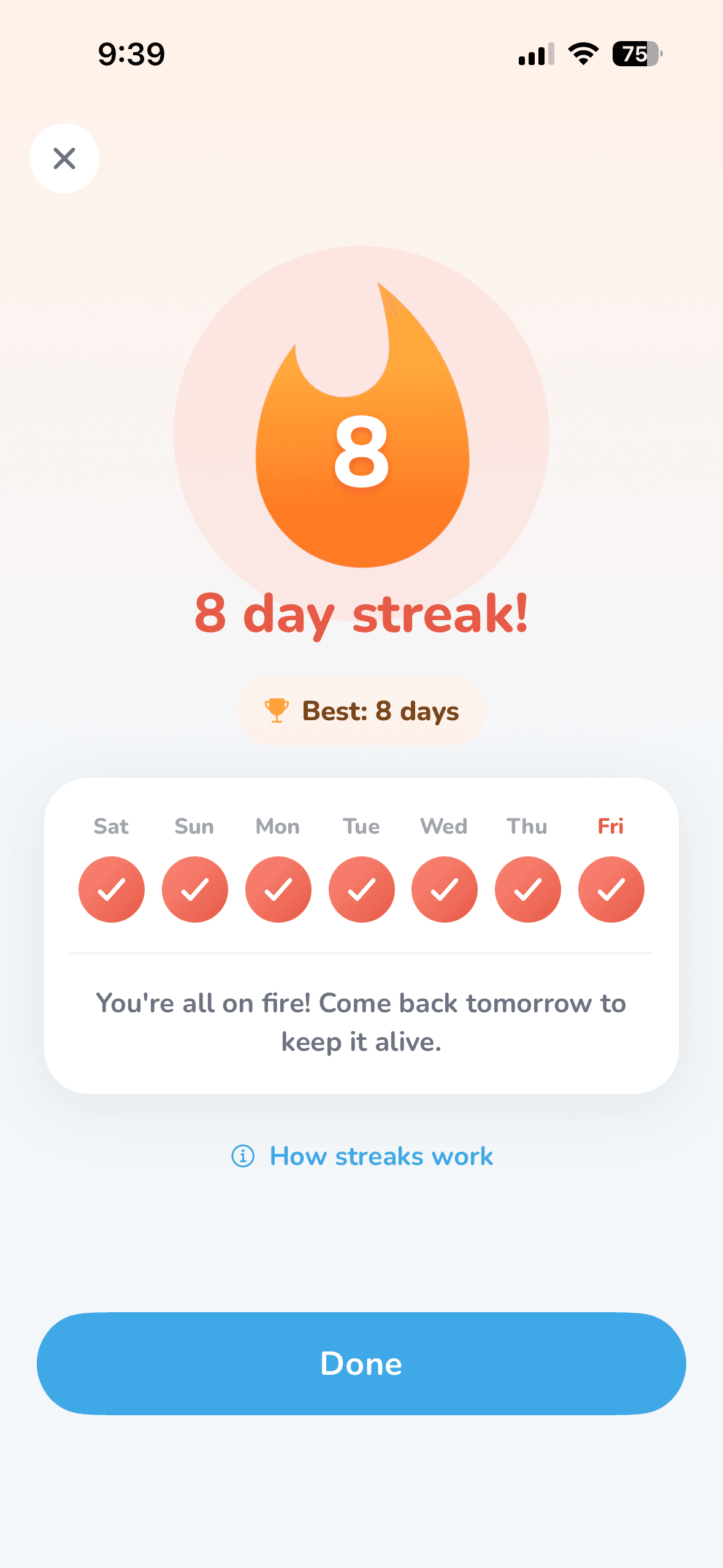
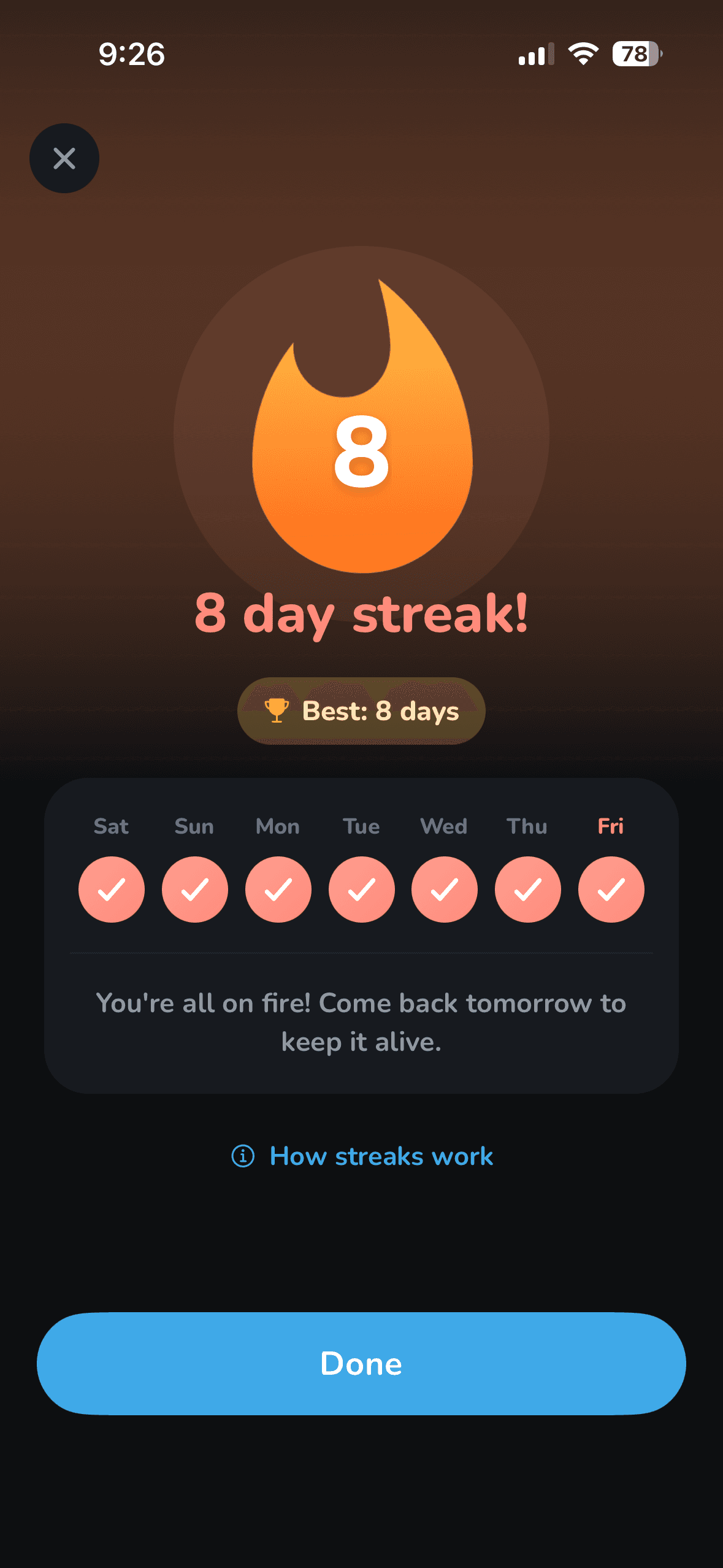
One streak, shared by the whole house.

Every chore you finish pays points, and the whole household shares one streak.

  • Points scaled to effort

    Light chores pay less, heavy ones pay more, so a quick wipe can't pass for a bathroom scrub.

  • One streak for the whole house

    Anyone completing a due chore covers the day for everyone. Days with nothing scheduled stay safe on their own.

  • Shared households

    Invite family, a partner, or roommates with a code. Up to 8 people, and one subscription covers all of them.

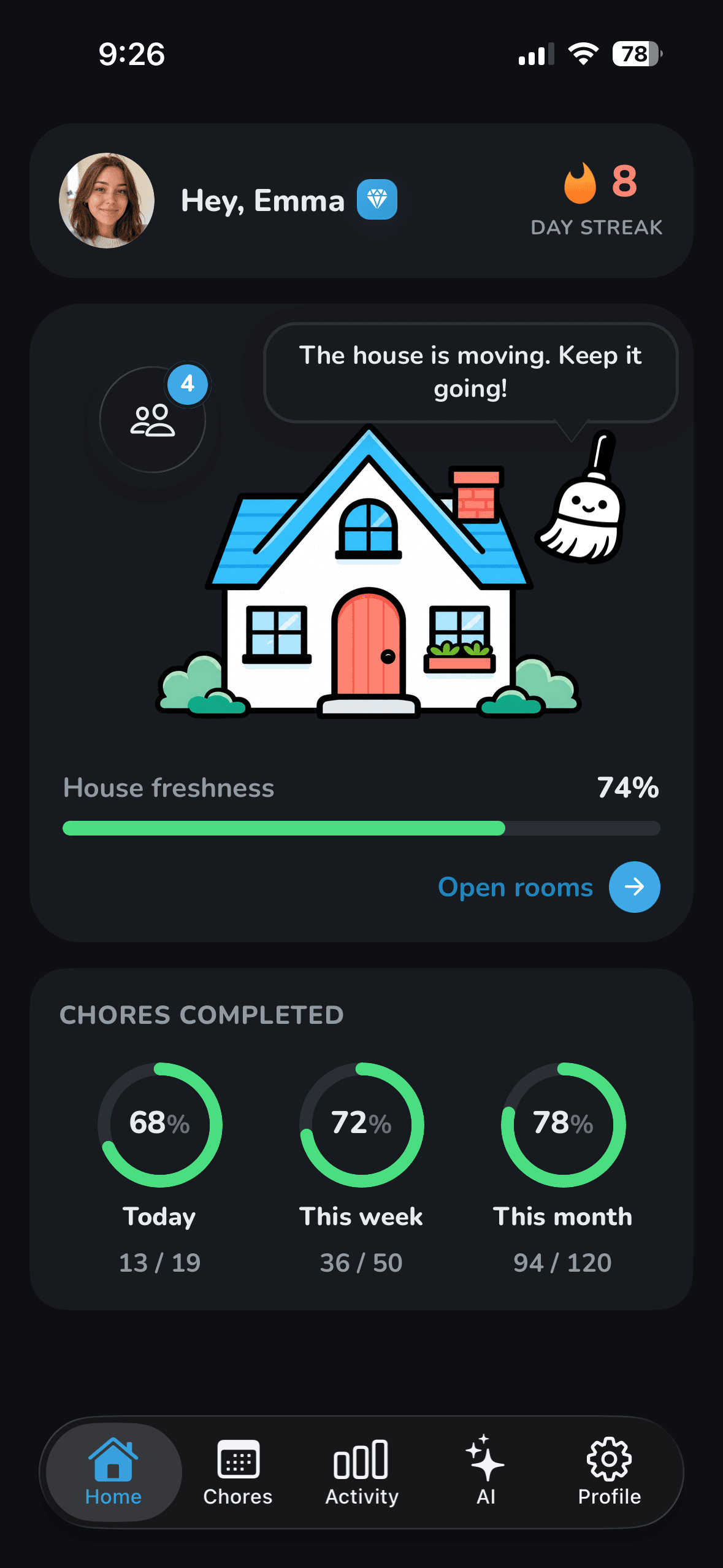
  • House freshness at a glance

    Every room rolls up into a single freshness score for your home.

Home
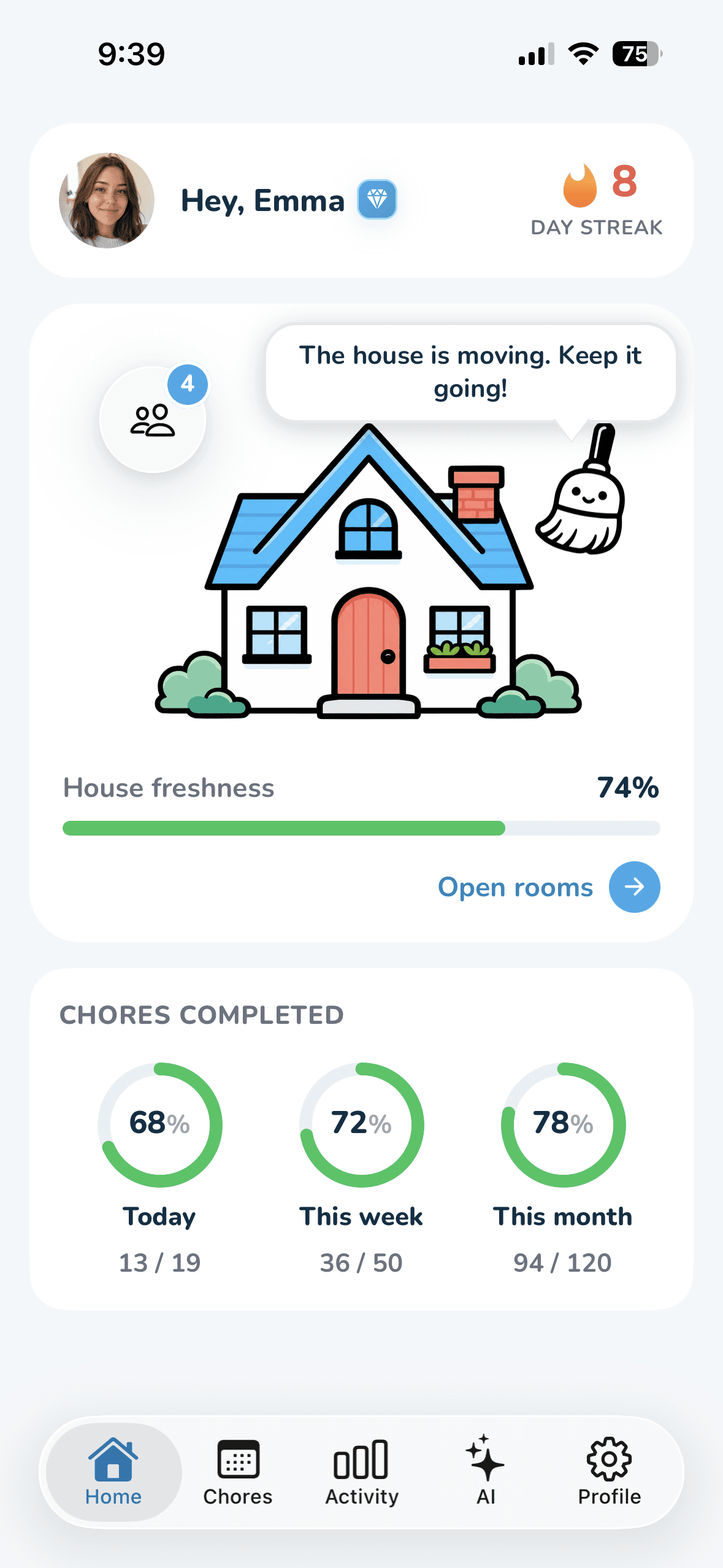
Wipzie home screen: profile card with a day-streak flame, an illustrated house with a freshness score, and chores completed today, this week, and this month.

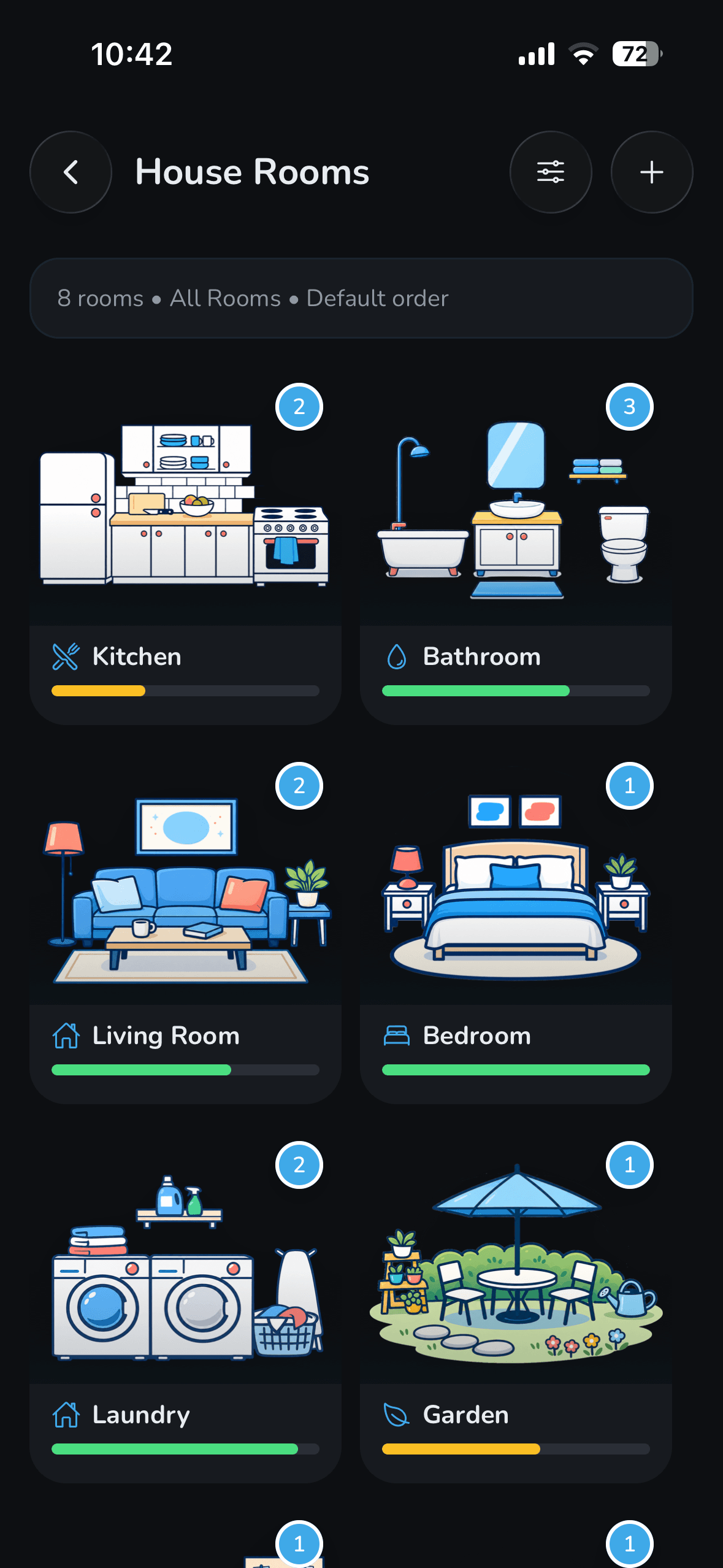
Your home, room by room.

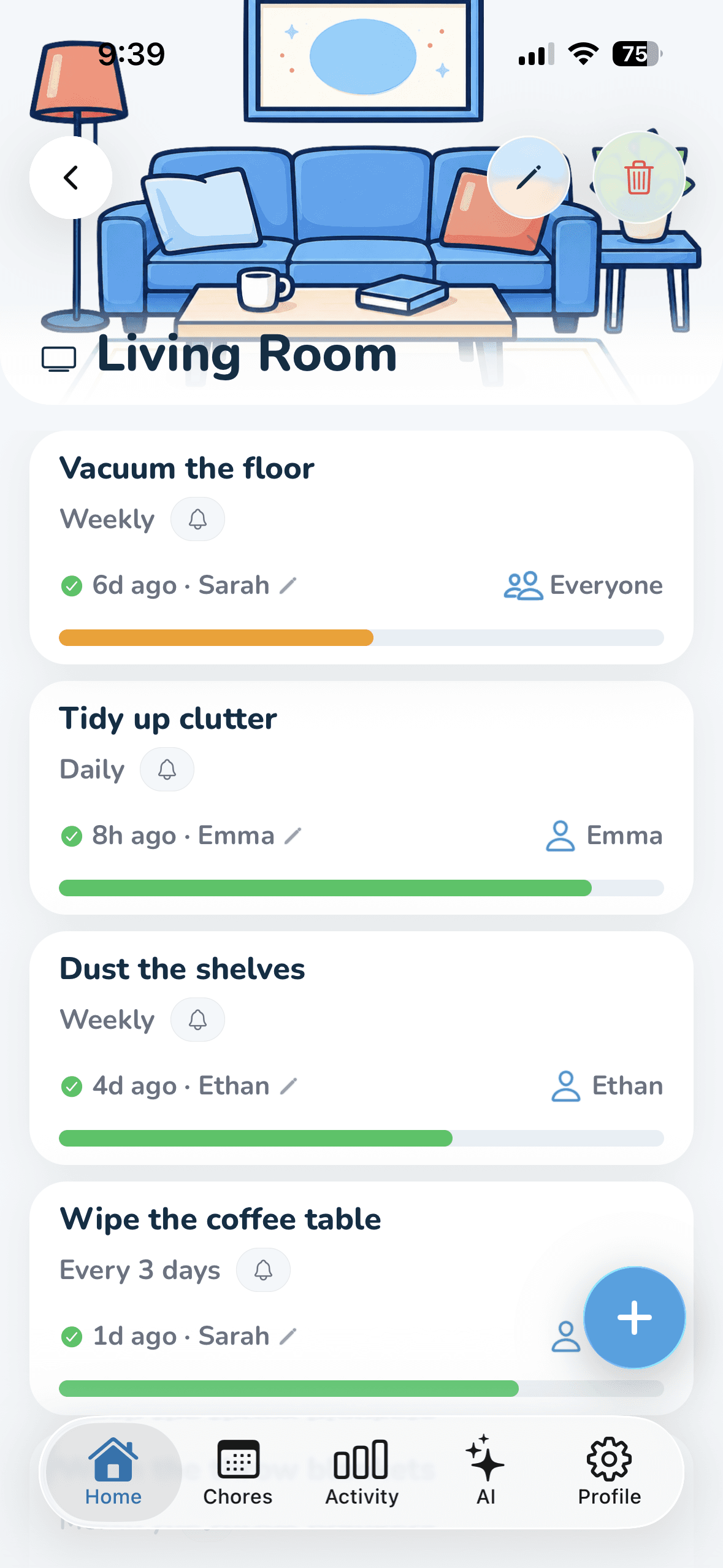
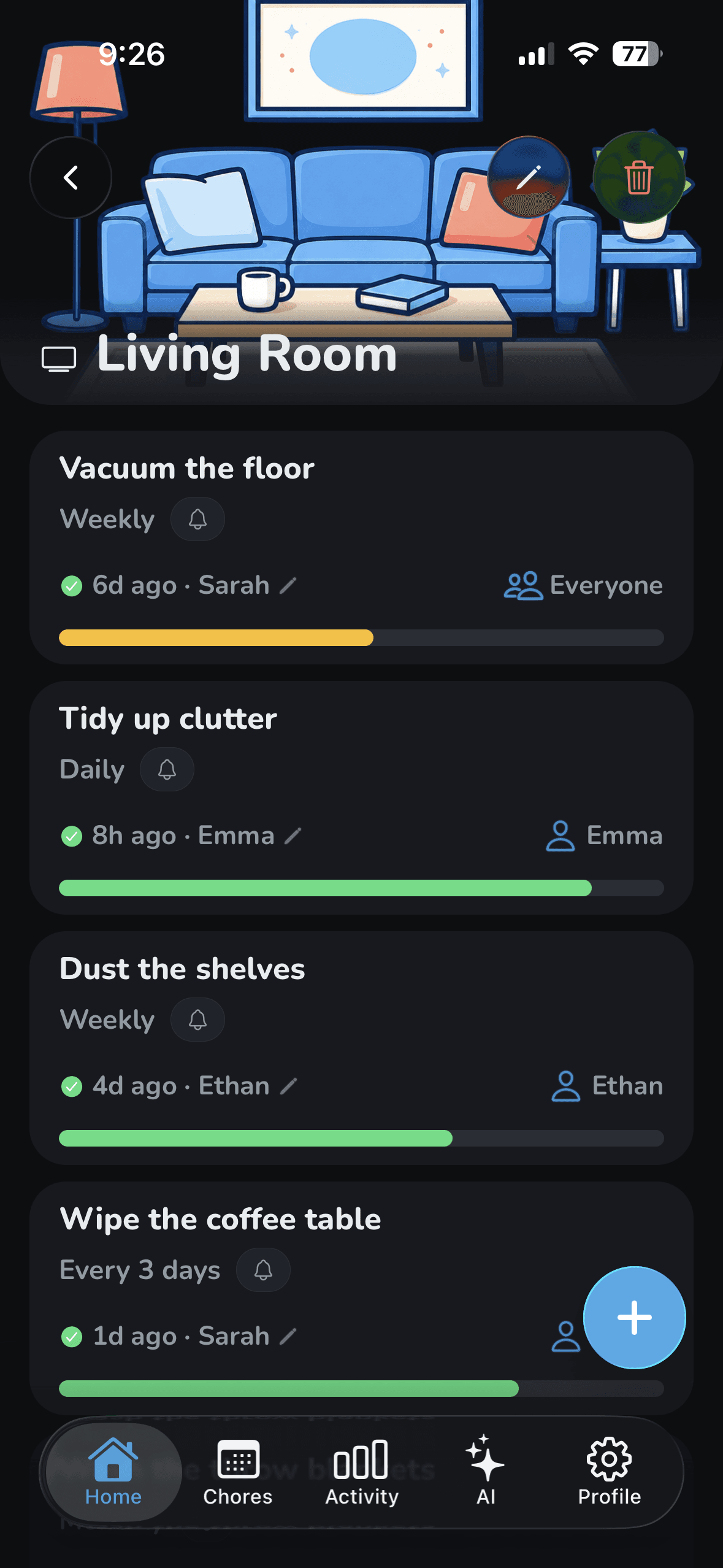
Set up your rooms once and give every chore a rhythm. Wipzie brings each one back the moment it's due.

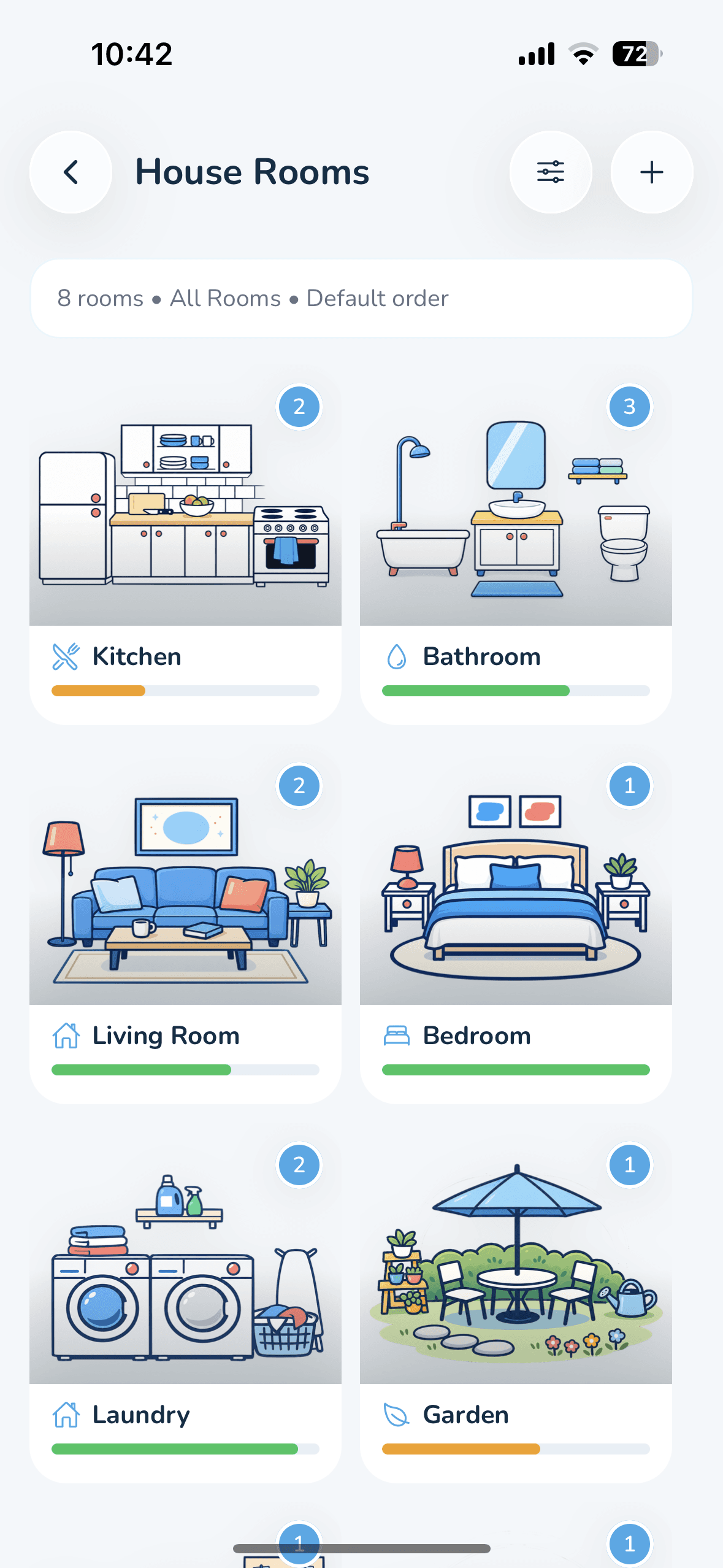
  • 22 room types, or your own

    Kitchen, bathroom, laundry, garden, garage, and more, each with its own illustration.

  • Chores that repeat on their own

    Daily, weekly, monthly, yearly, or any interval you pick, plus one-off chores with a start date.

  • Effort built in

    Mark a chore light, medium, or heavy, so five quick jobs can't masquerade as half the workload.

  • Freshness that decays realistically

    Each room's bar drops as its chores come due, so you can see what needs attention without opening a list.

Rooms
Wipzie rooms dashboard: illustrated cards for each room with a cleanliness bar and a done badge.

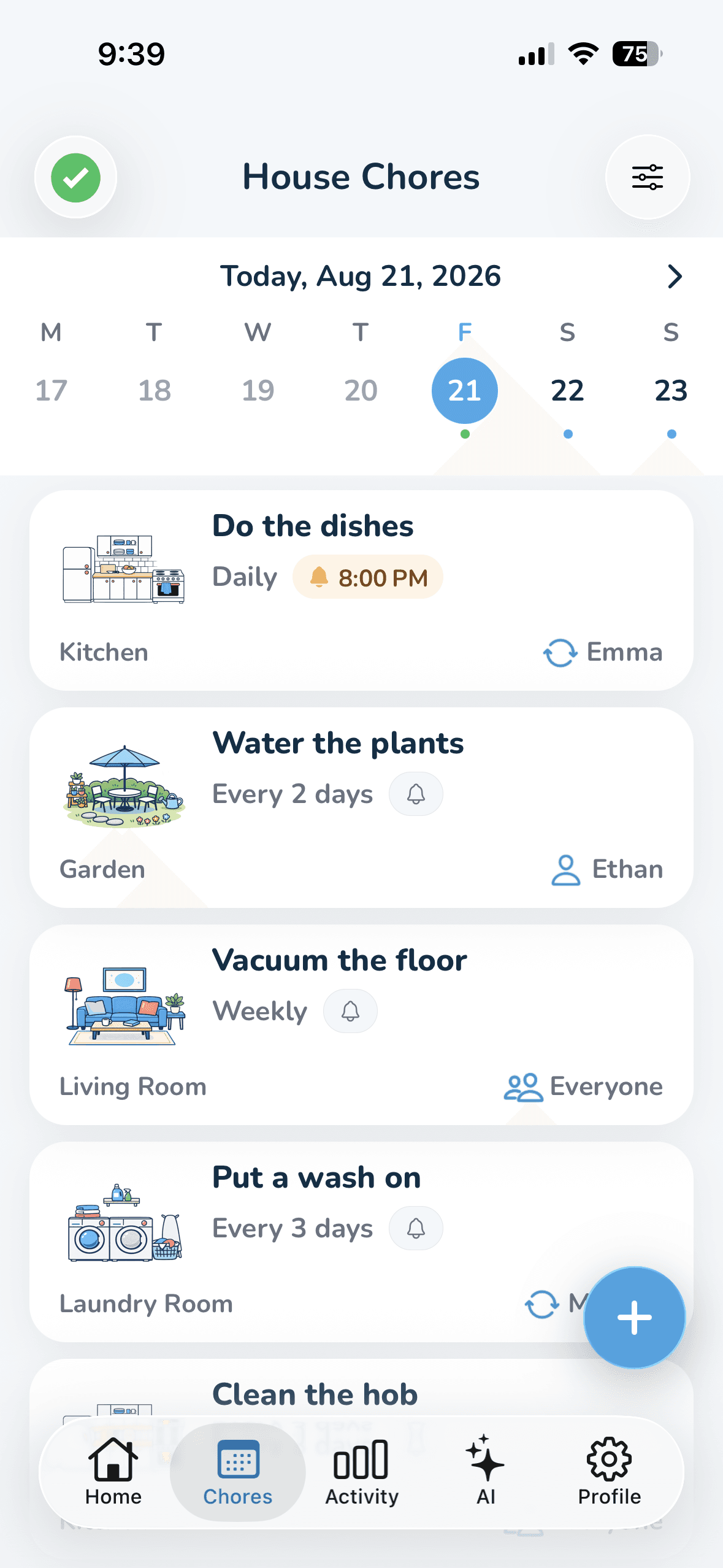
A calm plan for today.

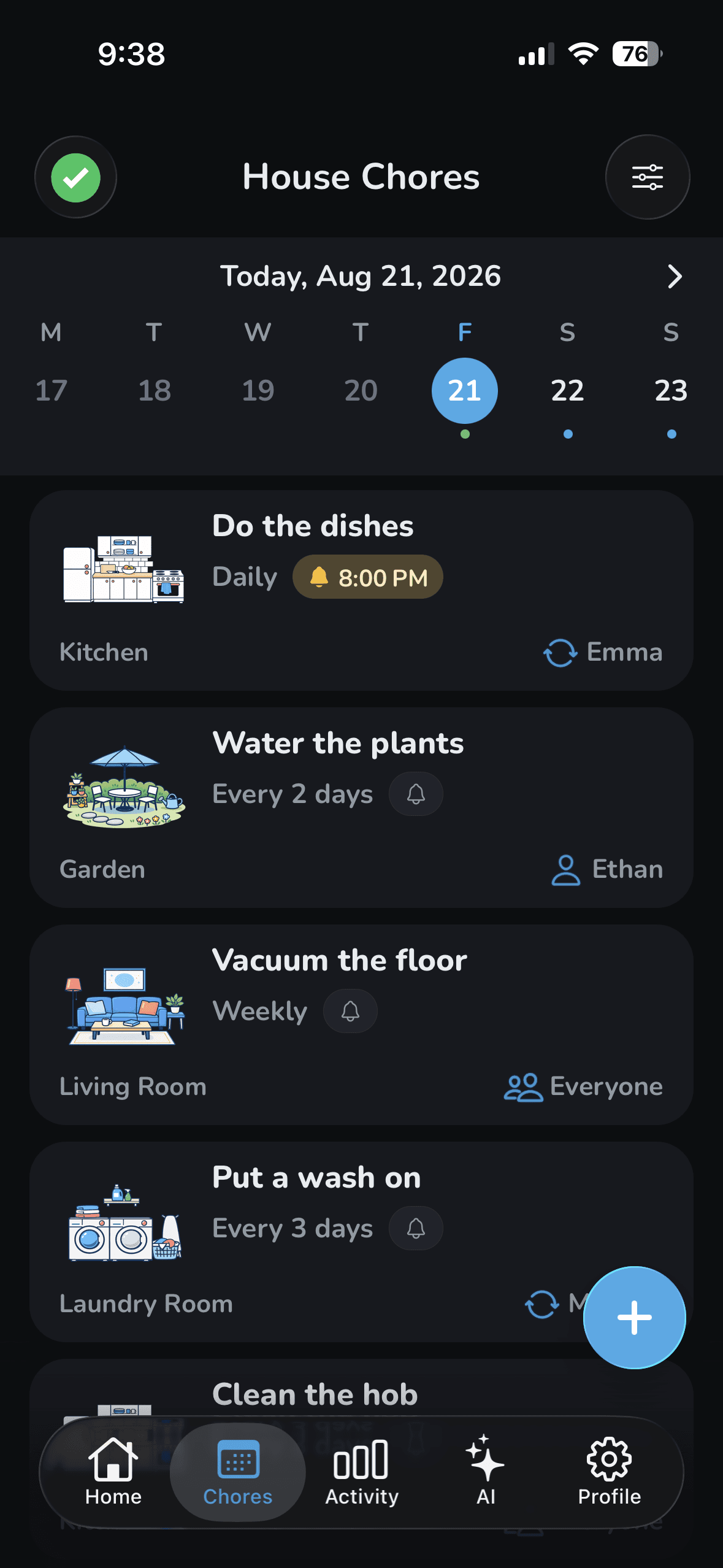
A scrollable week showing only what's actually due. Swipe to complete, skip, or reassign.

  • A week you can scroll

    Jump to any day to see what's scheduled, then tap once to come back to today.

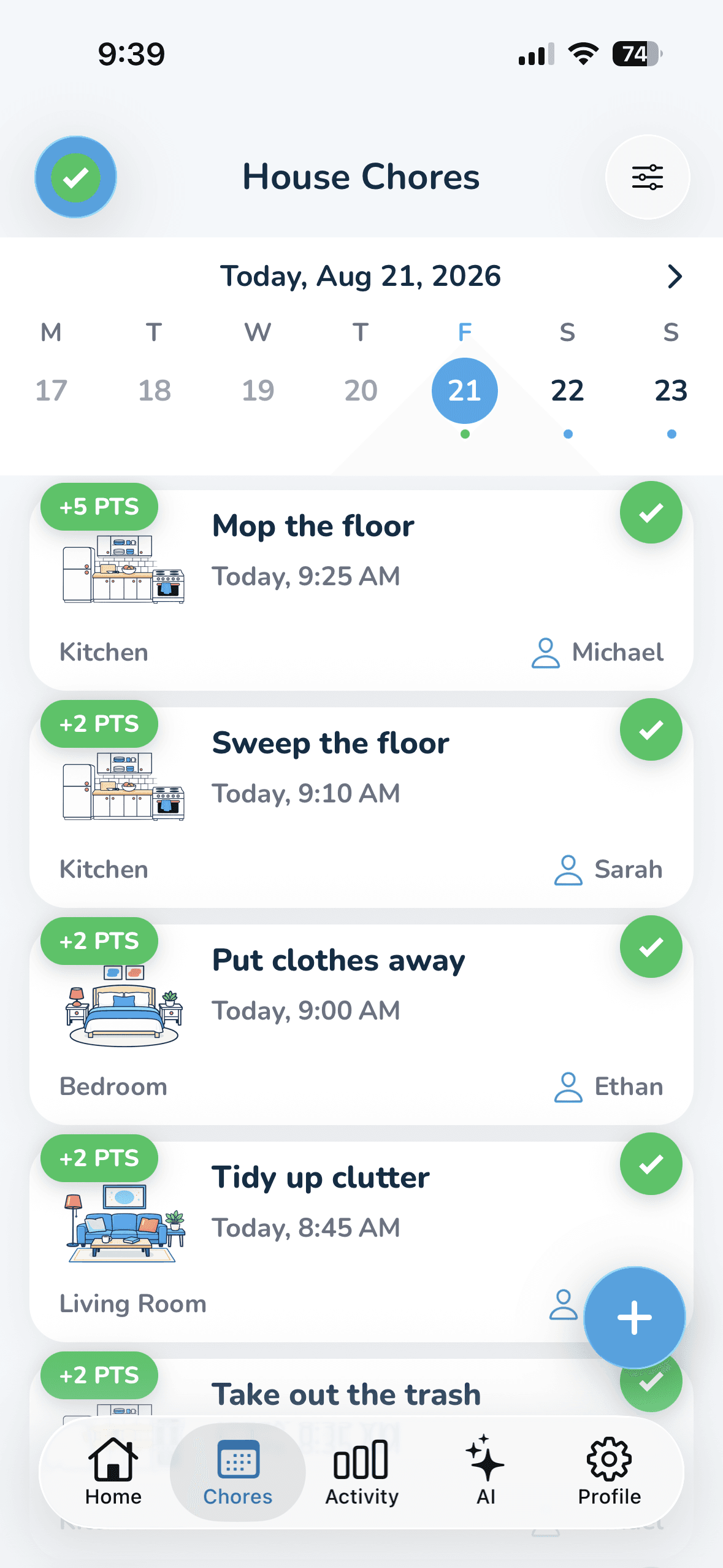
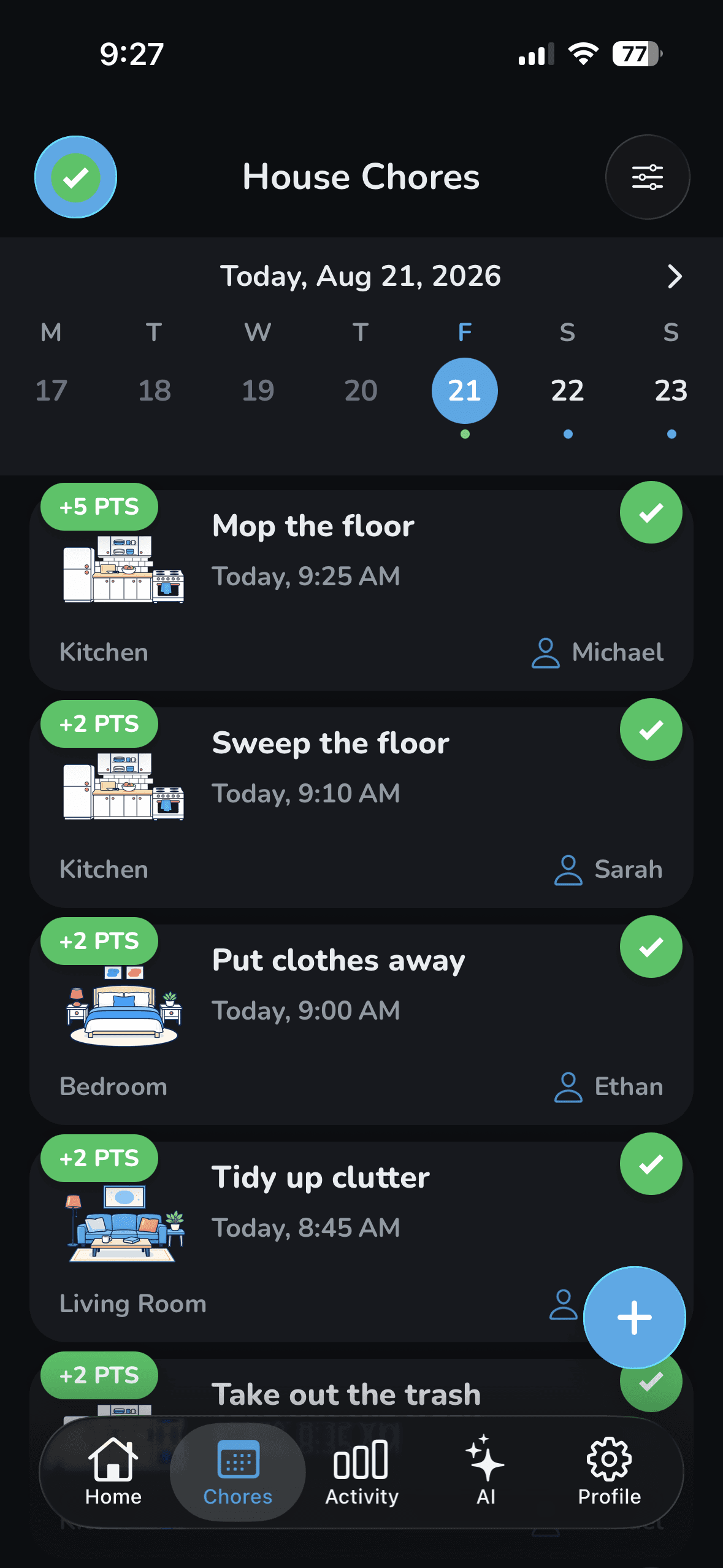
  • To Do and Completed

    One tap switches between what's left and what your household has already finished today.

  • Per-chore reminders, free

    Get a push at the time you choose. It's skipped automatically if someone else does the chore first.

  • Filters that cut the noise

    Narrow by room, effort, frequency, or the person a chore is assigned to.

Schedule
Wipzie chores tab: a scrollable week calendar strip above the chores scheduled for the selected day, each showing its room, frequency, reminder, and assignee.

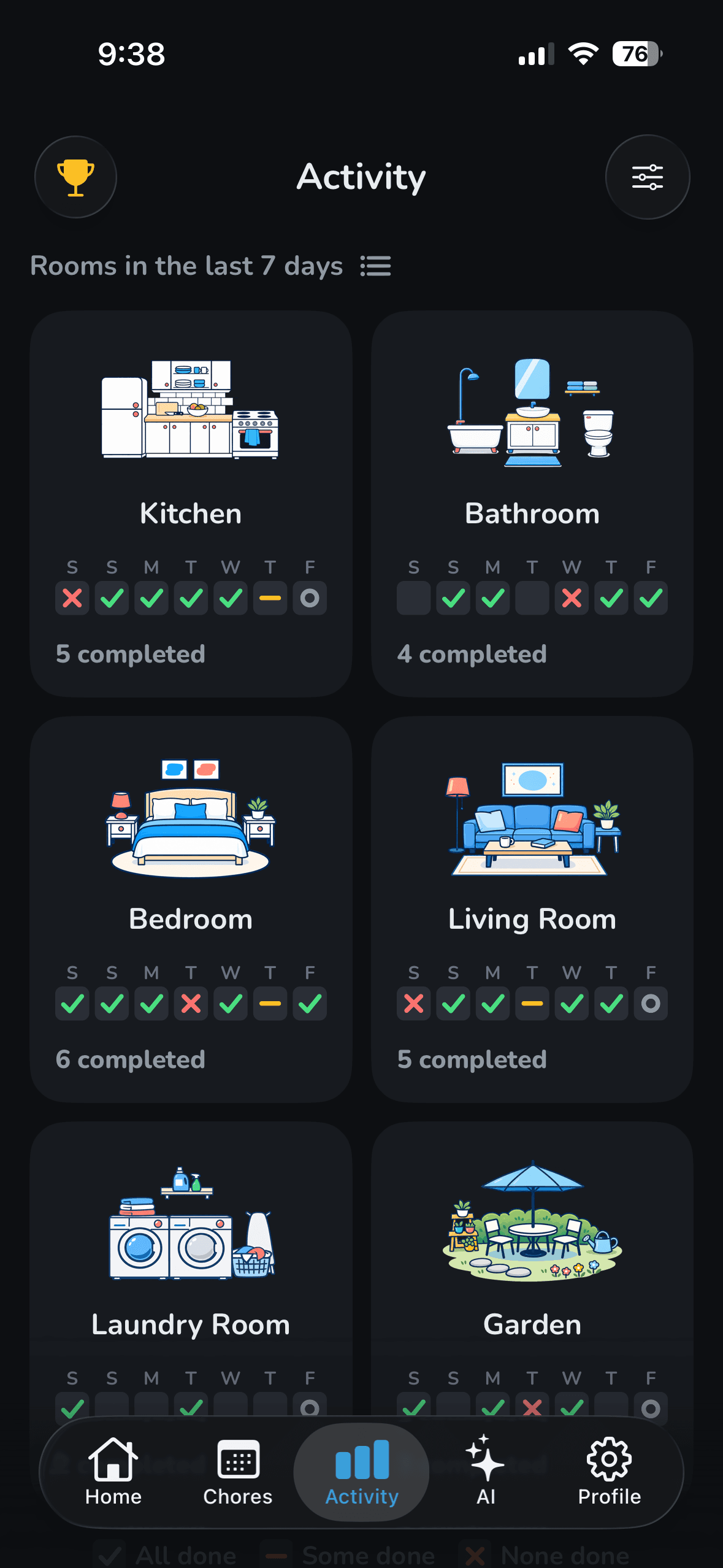
See what got done, and who did it.

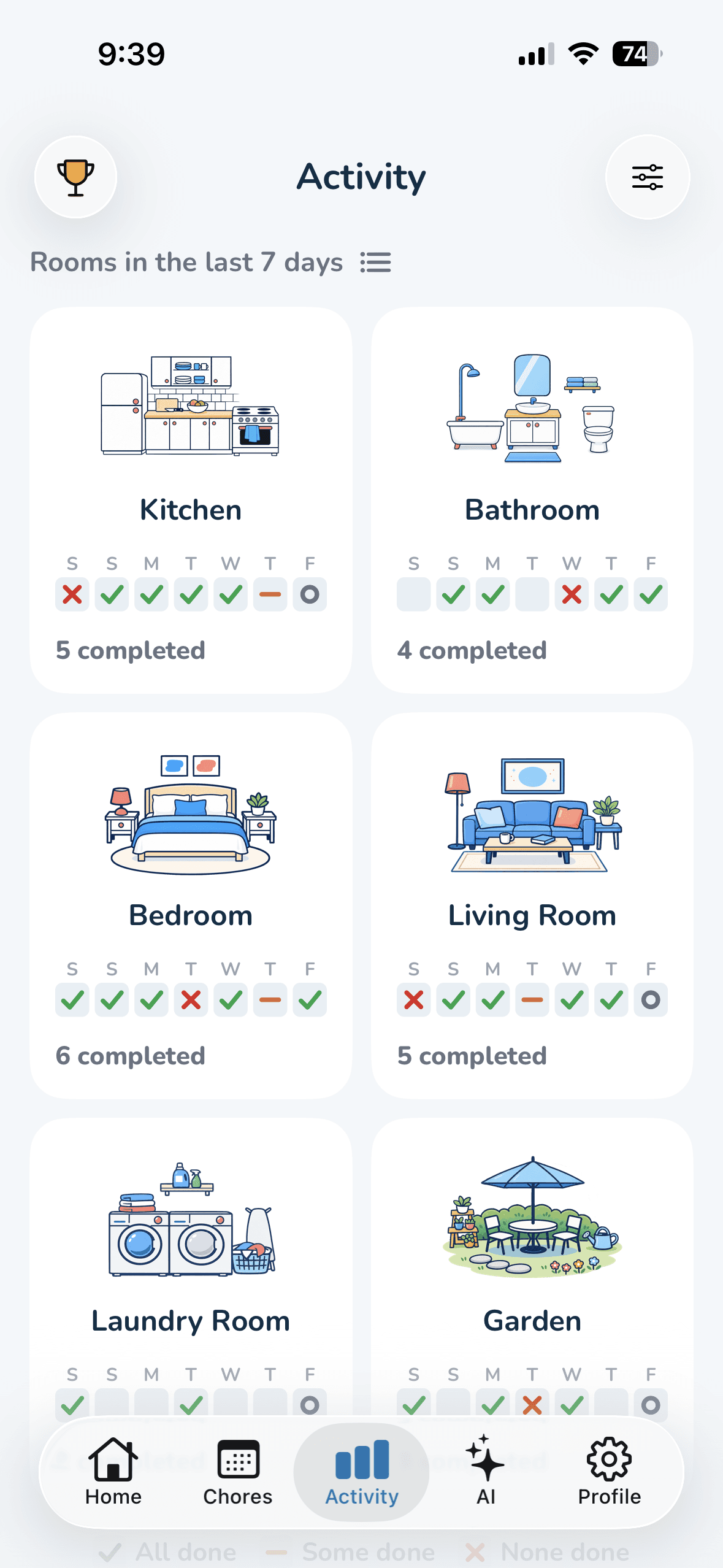
Your history becomes a grid: one square per day, judged against what was actually scheduled.

  • 7 days, 30 days, or a year

    Zoom from this week out to the whole year in a single tap.

  • By house, room, person, or chore

    Four ways to slice the same history, so you can see exactly where things slip.

  • Rest days count as done

    A day with nothing scheduled stays green. Only a due chore nobody did shows up as missed.

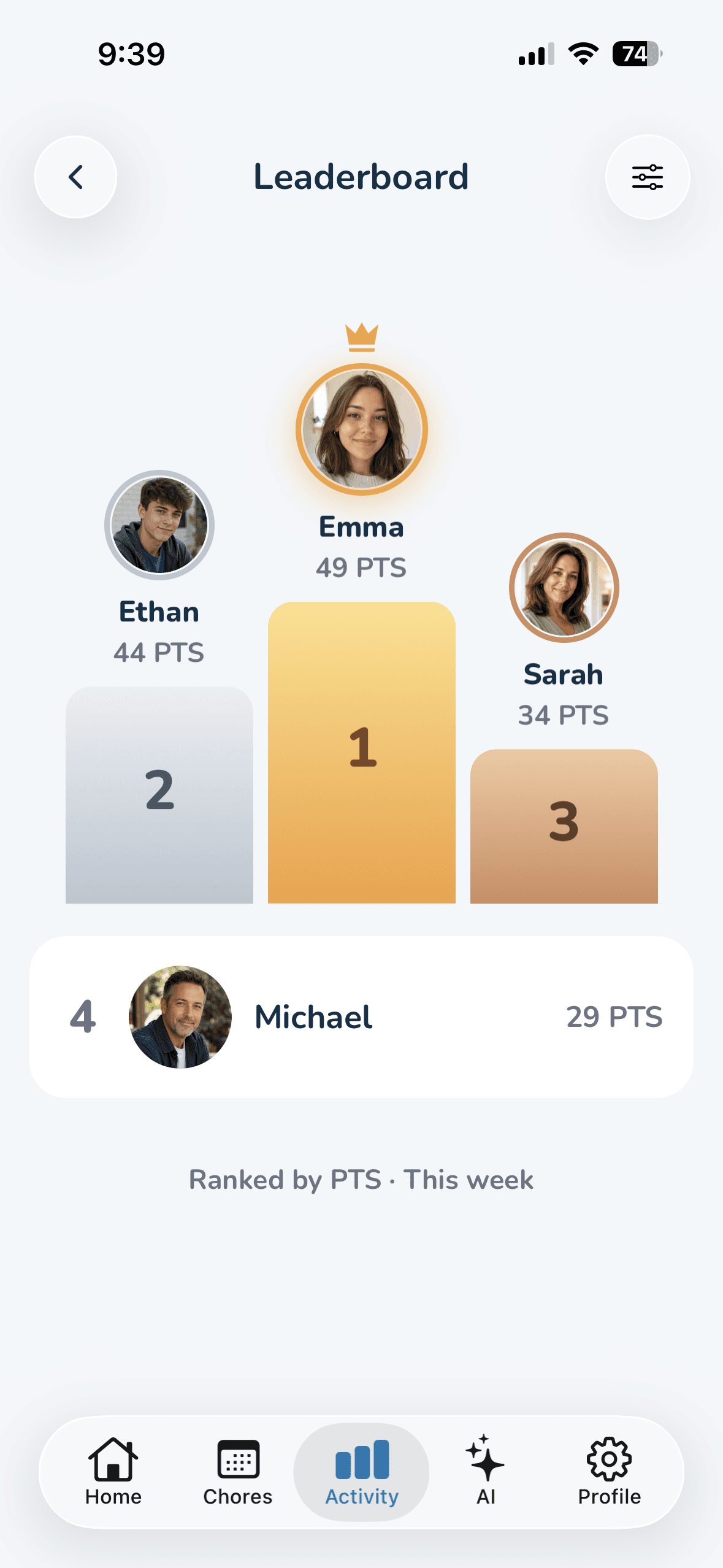
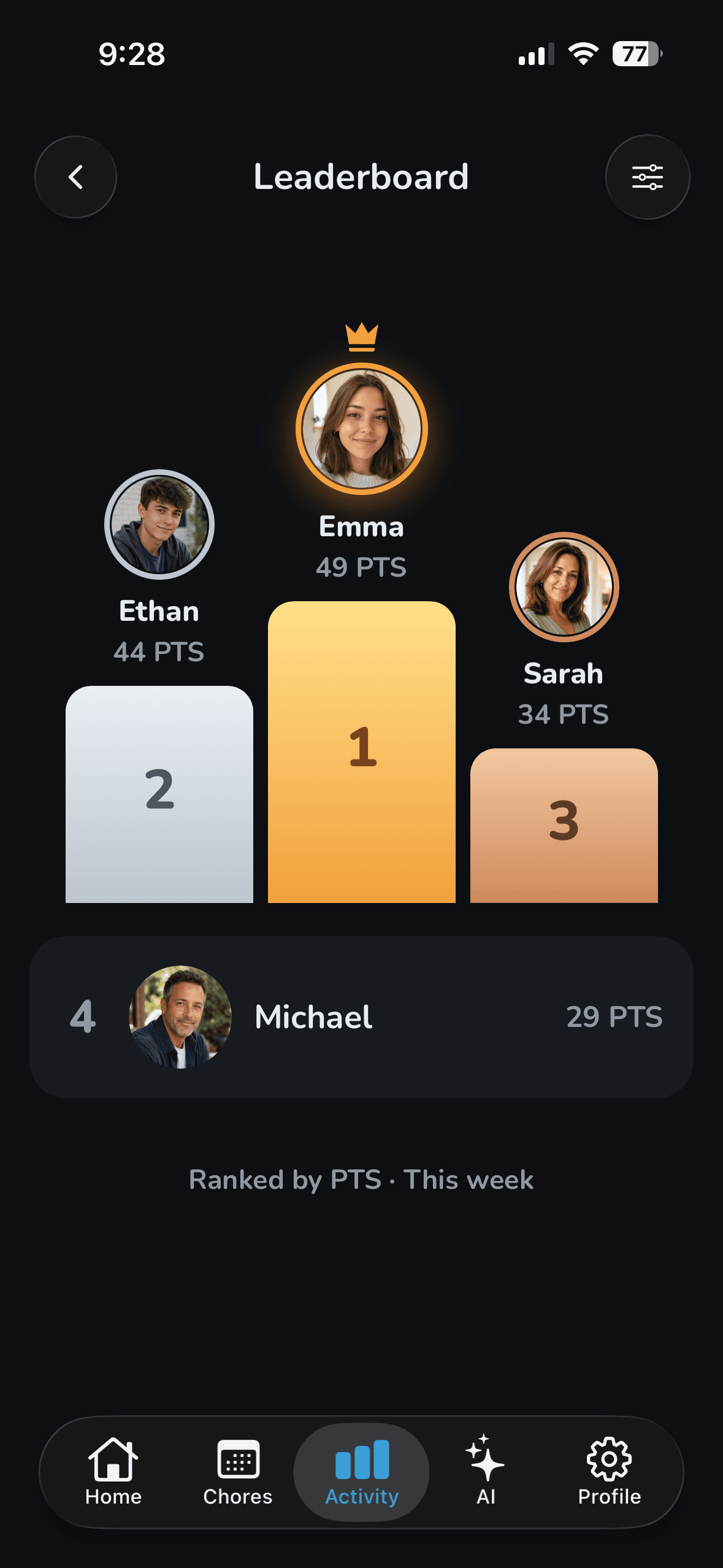
  • A leaderboard that settles it

    This week, this month, or lifetime, ranked by points or by chores completed.

Progress
Wipzie activity tab: per-room cards showing the last seven days as a grid of done, missed, and rest-day squares with a completion count.

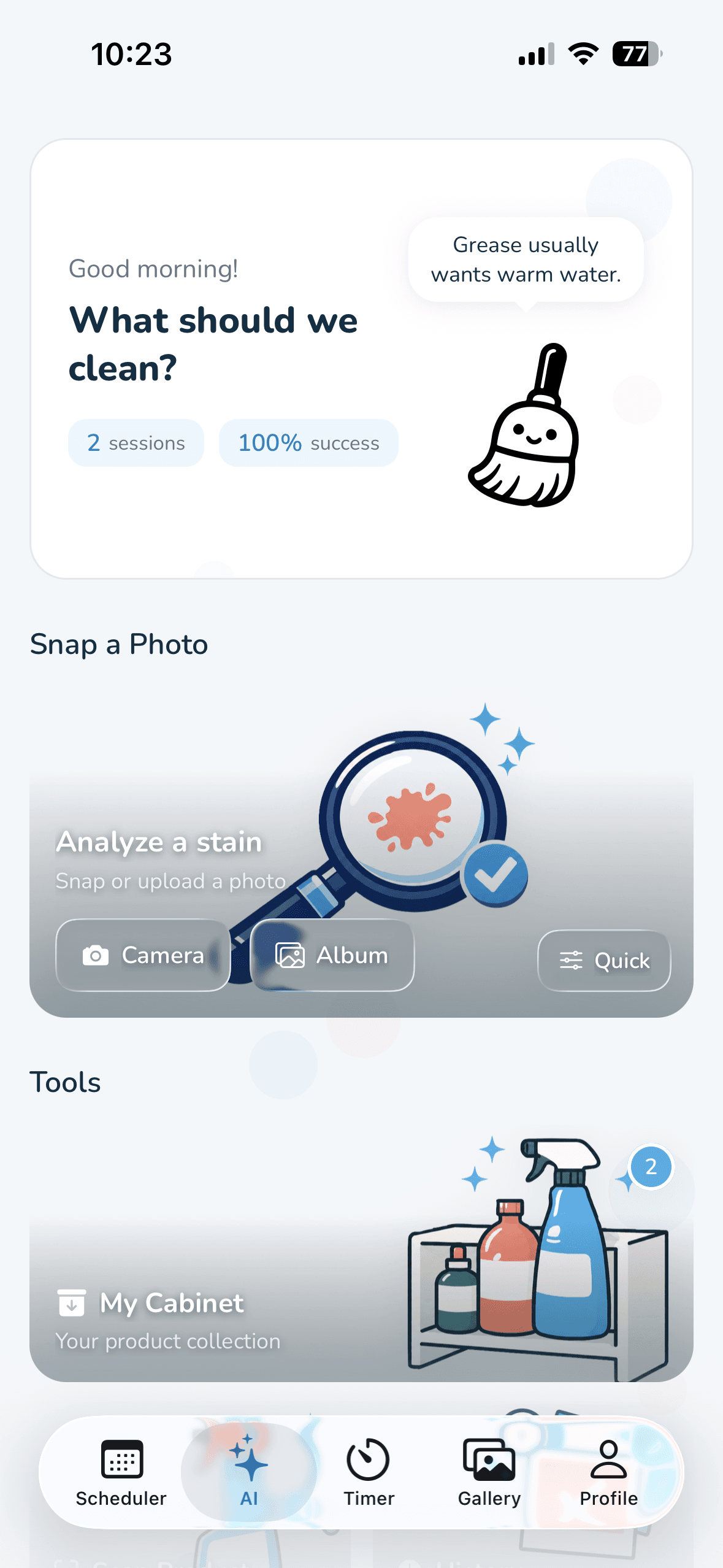
Photograph the mess. Get the exact plan.

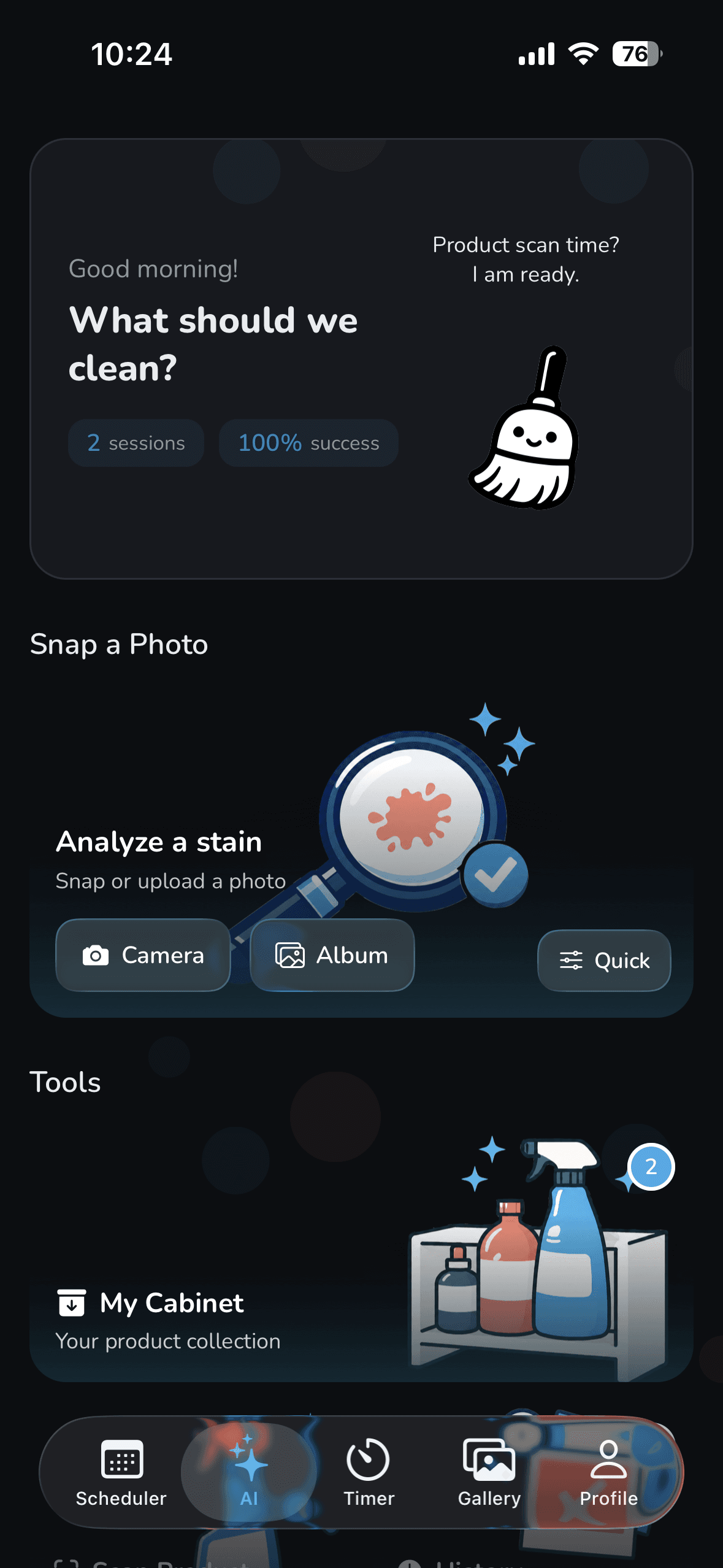
Snap a photo. The AI reads the stain and the surface, then writes a safe plan built around the products you already own.

  • Stain, surface, severity

    Red wine on wool gets a different plan than red wine on sealed wood.

  • Advanced mode for tricky messes

    Answer three optional questions about the cause, the material, and how old the stain is, and the plan gets sharper.

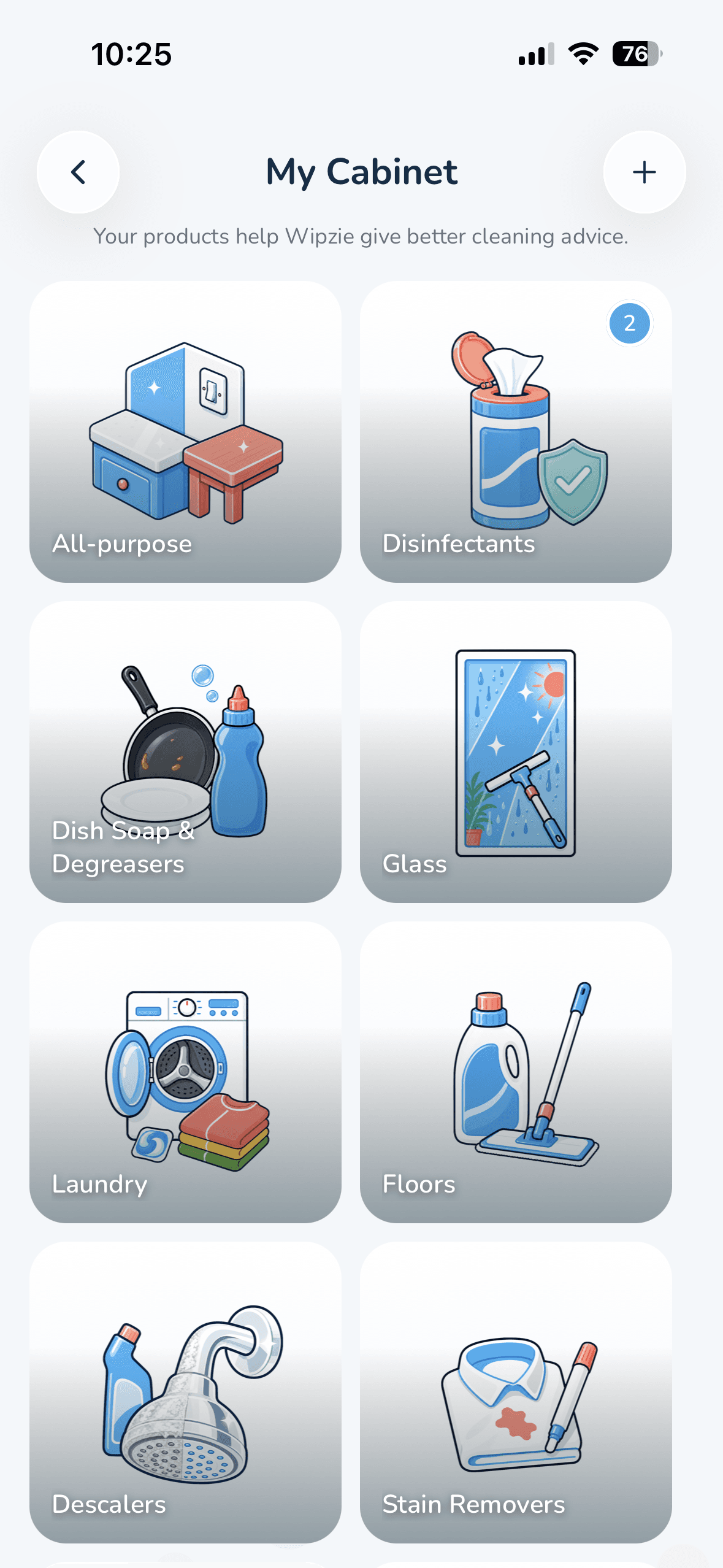
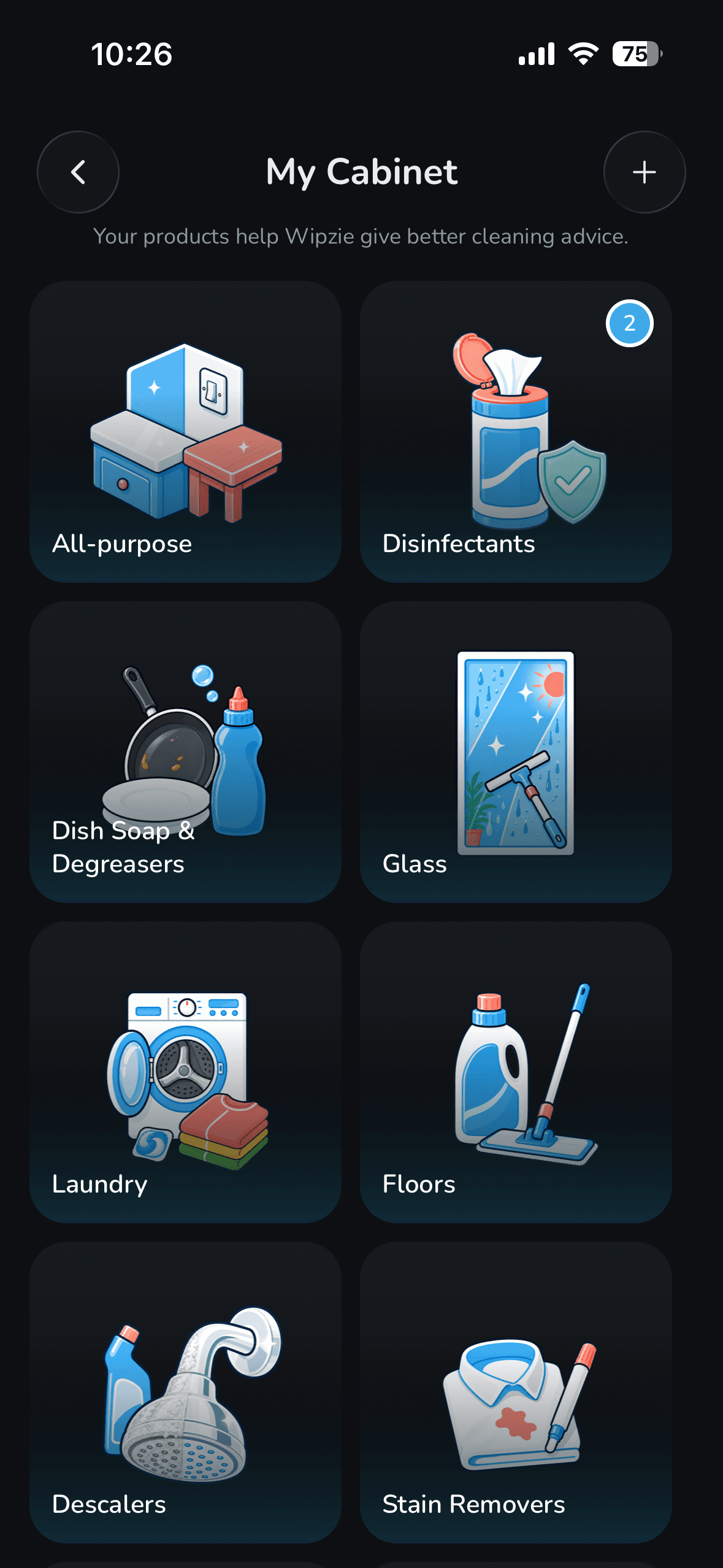
  • A cabinet that personalizes everything

    Scan a bottle to learn what it cleans and where it's safe. Plans are built from what's actually under your sink.

  • Save how it went

    Add an after photo and notes to any session, and ask follow-up questions in chat.

AI assistant
Wipzie AI assistant: snap a photo to analyze a stain, with quick access to the product cabinet, scanner, and past sessions.
FAQ

Questions, answered.

Everything people ask about Wipzie.

What is Wipzie?

Wipzie is a gamified cleaning app for iOS that turns household chores into a game. It organizes your home room by room, gives every chore a recurring schedule, lets you share the work with family or roommates, and rewards each completed chore with points, a household streak, and a leaderboard, so a spotless home actually feels fun. An AI assistant handles the stains you don't know how to tackle.

Is Wipzie free?

Yes. Wipzie is free to download, and the part you use every day costs nothing: room-based chore scheduling, per-chore reminders, the week calendar, the activity history, the leaderboard, and points and streaks. The free plan covers a starter set of rooms and up to 10 chores. An optional Wipzie Pro subscription, monthly or annual, unlocks the Wipzie AI assistant, shared households with up to 8 members, unlimited rooms and chores, chore rotation, and Vacation Mode. You only ever need one subscription per home.

Does everyone in my household need Wipzie Pro?

No. One Wipzie Pro subscription covers your whole household. When one person upgrades to Pro and invites family, a partner, or roommates with an invite code, everyone who joins gets full Pro access automatically, for up to 8 members. Nobody else has to pay or subscribe: a single Pro unlocks shared chores, the AI stain assistant, unlimited rooms and chores, chore rotation, and the rest of the toolkit for the entire house.

Is Wipzie available on Android?

Not yet. Wipzie is currently an iOS app for iPhone, available on the App Store. Android is on the roadmap; follow Wipzie on social media for updates. In the meantime, the Wipzie blog's cleaning schedules, chore charts, and motivation guides work on any device.

How does the AI stain assistant work?

Snap a photo of any stain or mess, and Wipzie's AI identifies the likely cause, detects the surface, and writes safe, step-by-step cleaning instructions for that exact situation. Photograph a red wine splash on a wool rug, for example, and the plan will differ from the one for the same wine on a sealed wooden floor, with different products, techniques, and safety warnings. Turn on advanced mode and Wipzie asks three quick questions first, covering what caused the stain, what material it's on, and how long it's been there, which sharpens the plan further. Add the cleaning products you already own to your Product Cabinet and every plan is built around what's actually under your sink. No advice that starts with a shopping trip. Afterwards you can ask follow-up questions in chat and save an after photo and notes to the session.

Can I share chores with my family or roommates?

Yes. Create a household in Wipzie and invite your family, roommates, or partner with a simple invite code, for up to 8 people. You can assign chores to specific people, turn on rotation so a chore takes turns automatically, set permissions for who can add, assign, or complete chores, and settle “whose turn is it?” with weekly and monthly leaderboards.

Get the app

Bring Wipzie home.

Your routines, your household, and your progress, all in one place.

Download on theApp Store

Now on the App Store. Google Play coming soon.